
One Interface, Every Surface
When Kuper was pulled from the App Store, the web storefront became the top priority overnight and ended up reshaping the whole product with it.
Context
The app drove most of Kuper’s traffic and revenue. Web traffic was small, so for years it got almost no resource. Over time this split the product into two storefronts that barely overlapped and had effectively become different products.
The web had piled up a huge amount of legacy, and technical, product, and design debt. The app got the resources and was well ahead on UX and UI, but it had its own problems too: it had lived through two rebrands, several major reorgs, and in places you could tell different teams had built it — it looked like a patchwork quilt.
 Web
Web



 App
App
A concept with no brief
While working on the concept for the home screen, I got the urge to try drawing what our app could look and feel like if we gave it a wash and a brush-up, stripped of legacy.
At the time, my scope only covered cart, checkout, post-checkout, and the home screen — not the whole storefront. That didn’t stop me: I pulled together a volunteer group of designers who wanted in (their leads were fine with it), and people from two other teams ended up joining besides mine.
My role was organizing the process and art-directing the group as we went.
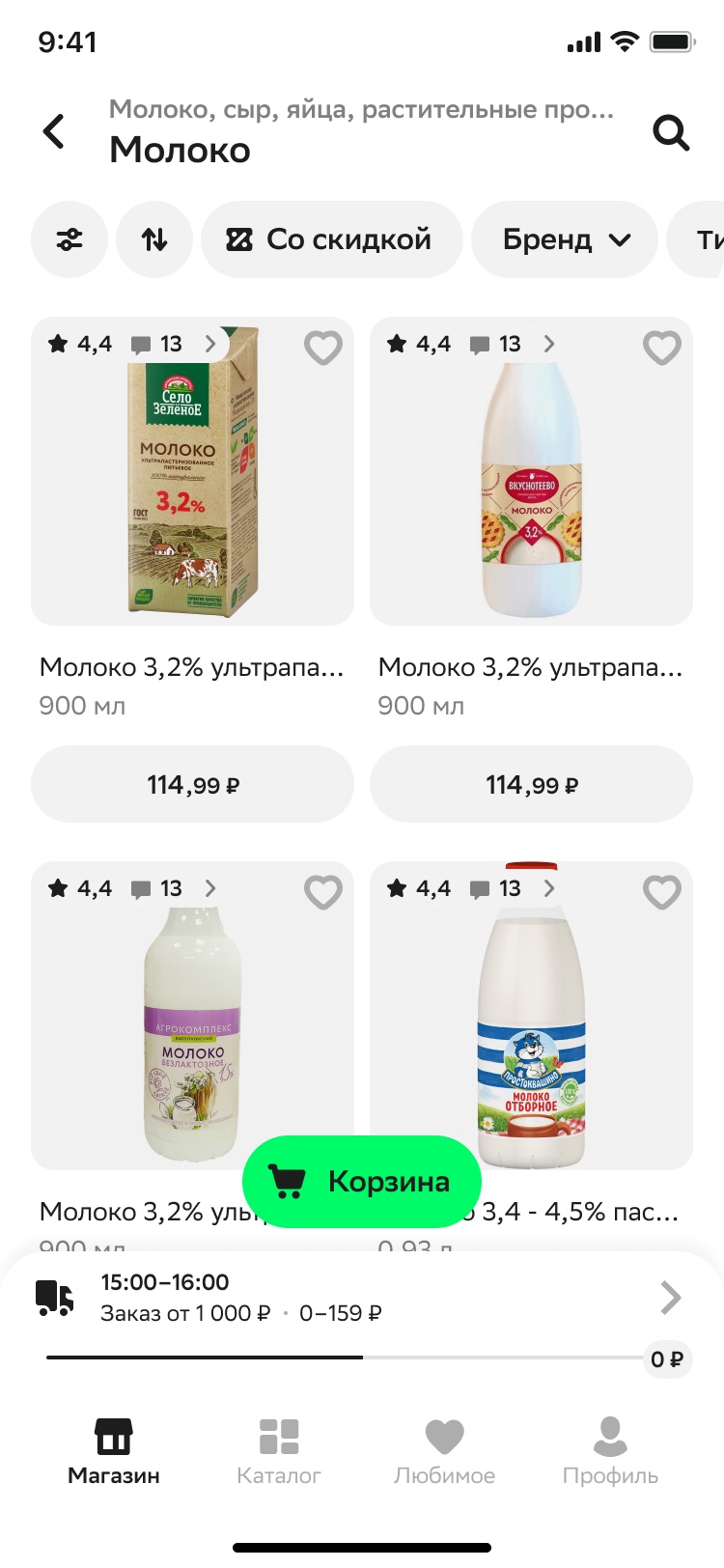
We took every core CJM screen in the app and redrew them, stripping legacy as we went and bringing everything to one UI, one set of components, one set of visual techniques. We also dropped all the old illustrations and leaned hard into the new visual language that came out of the rebrand.
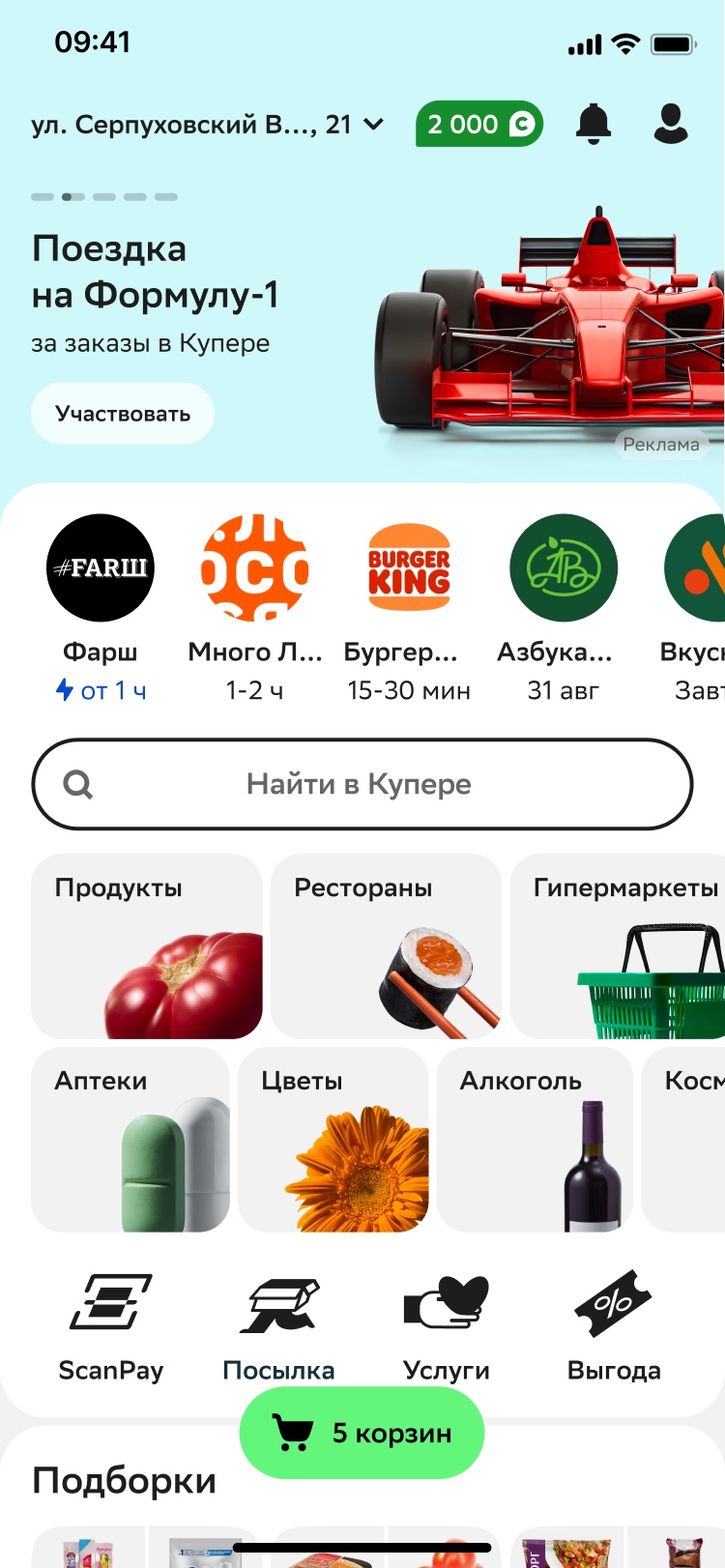
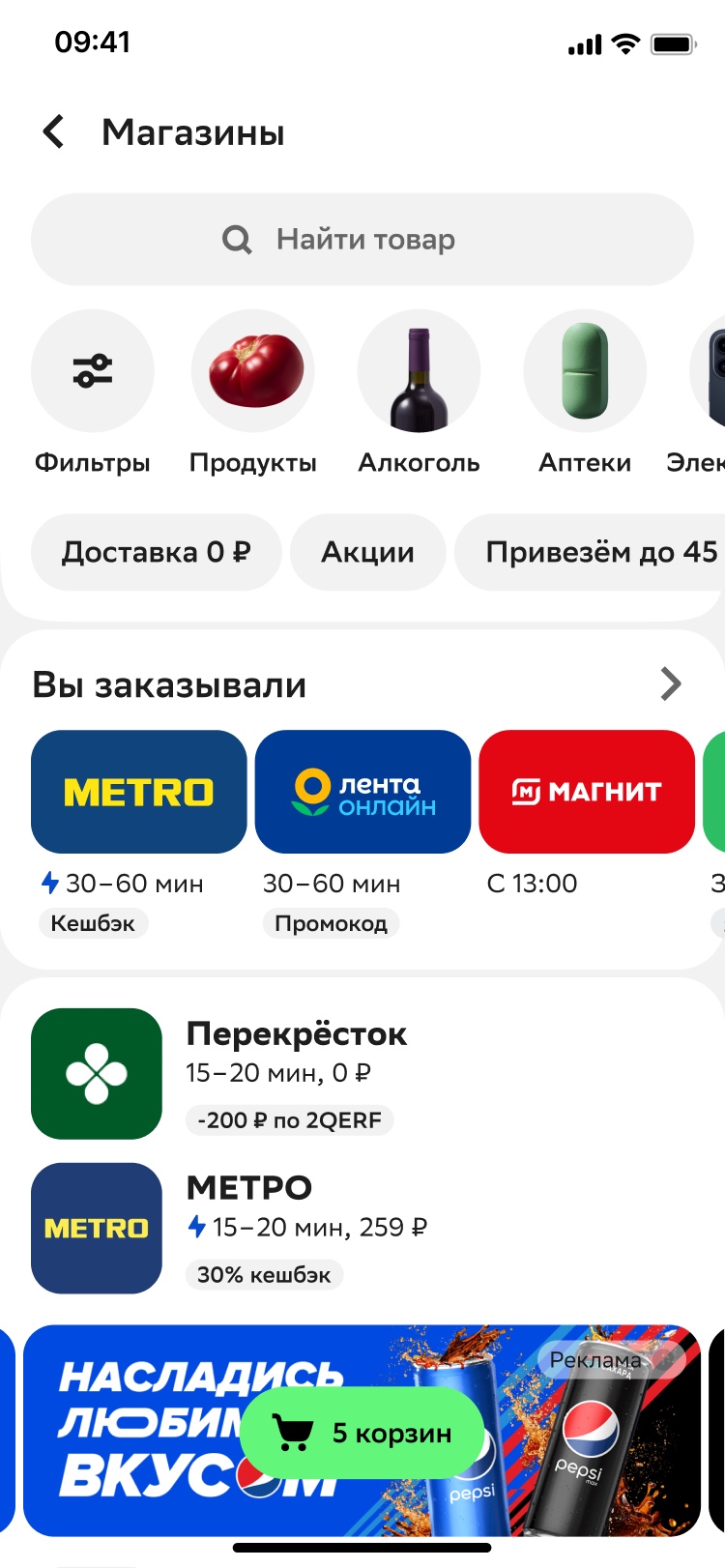
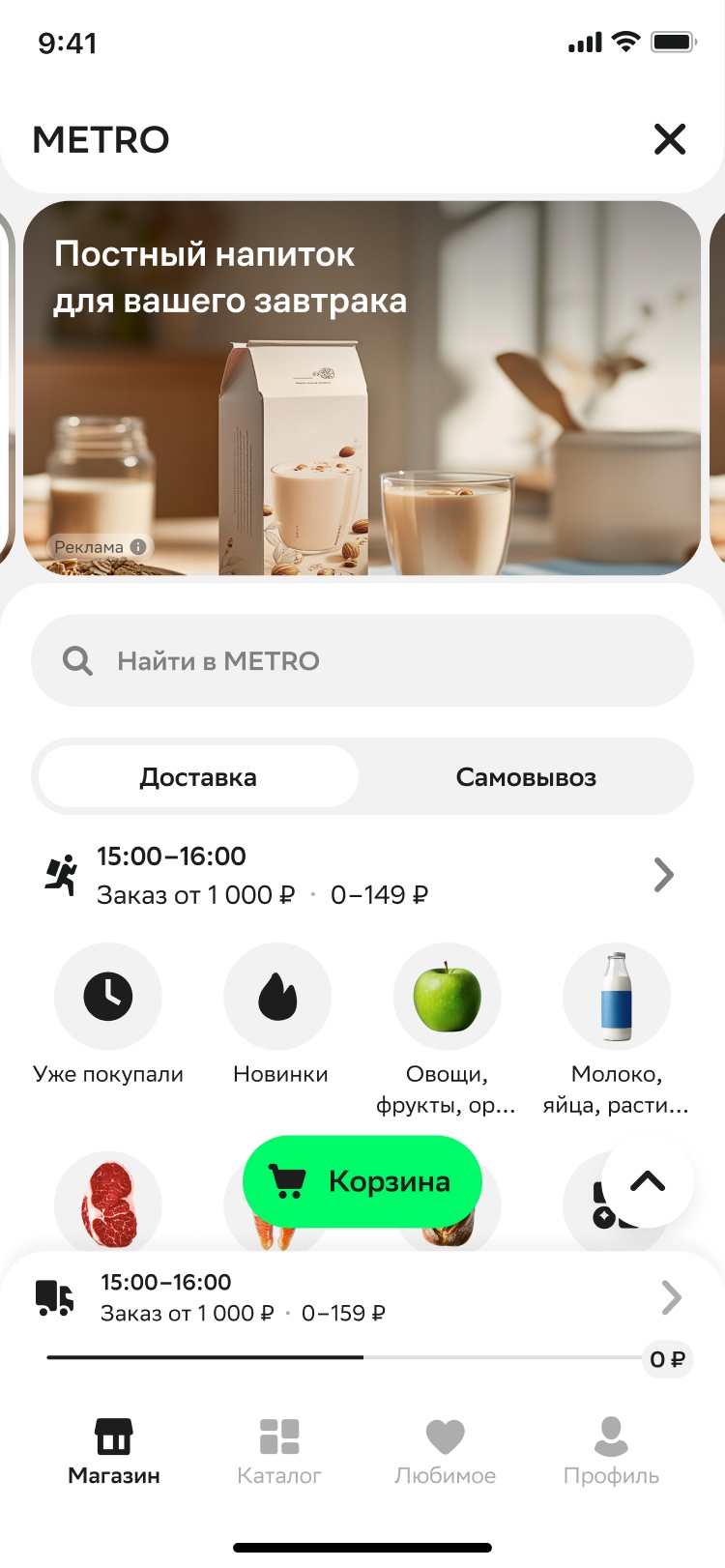
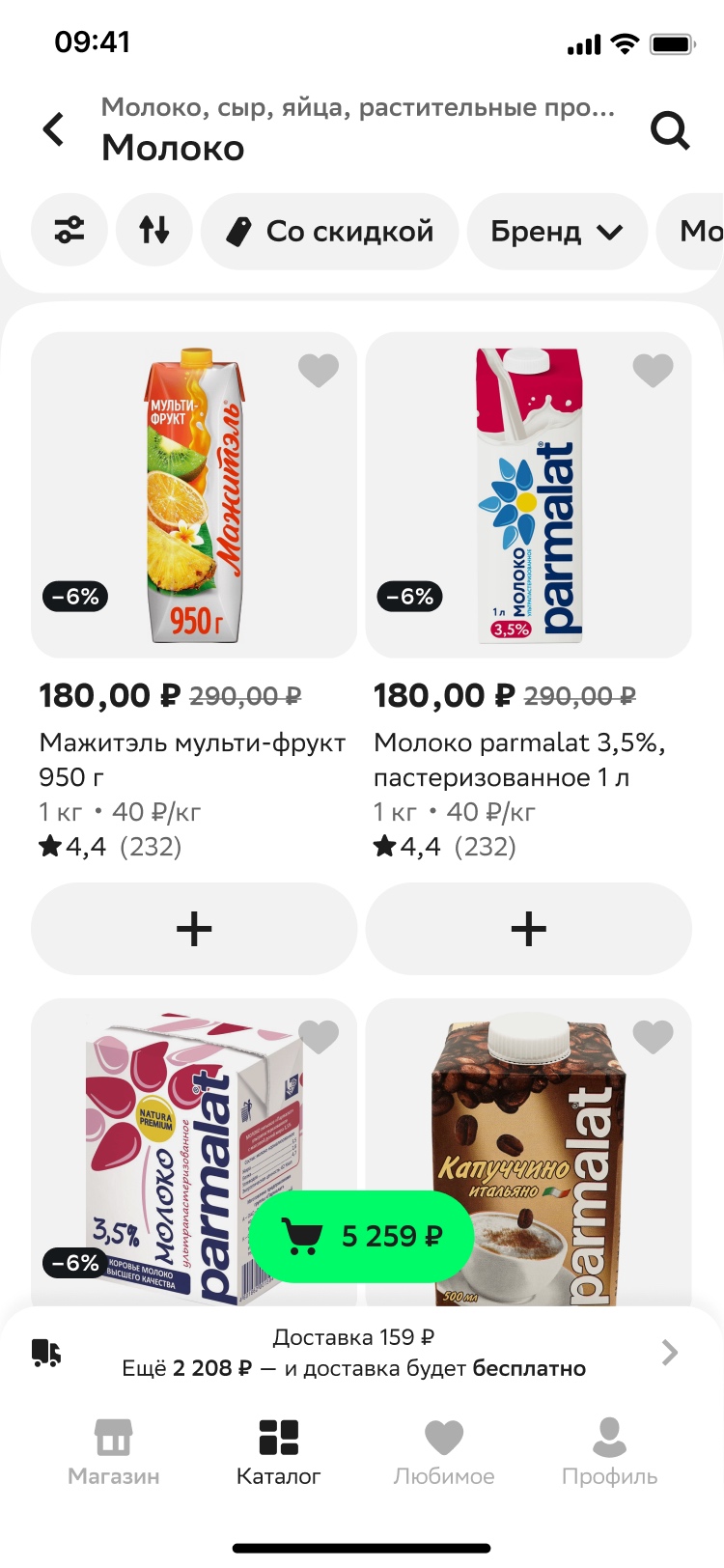
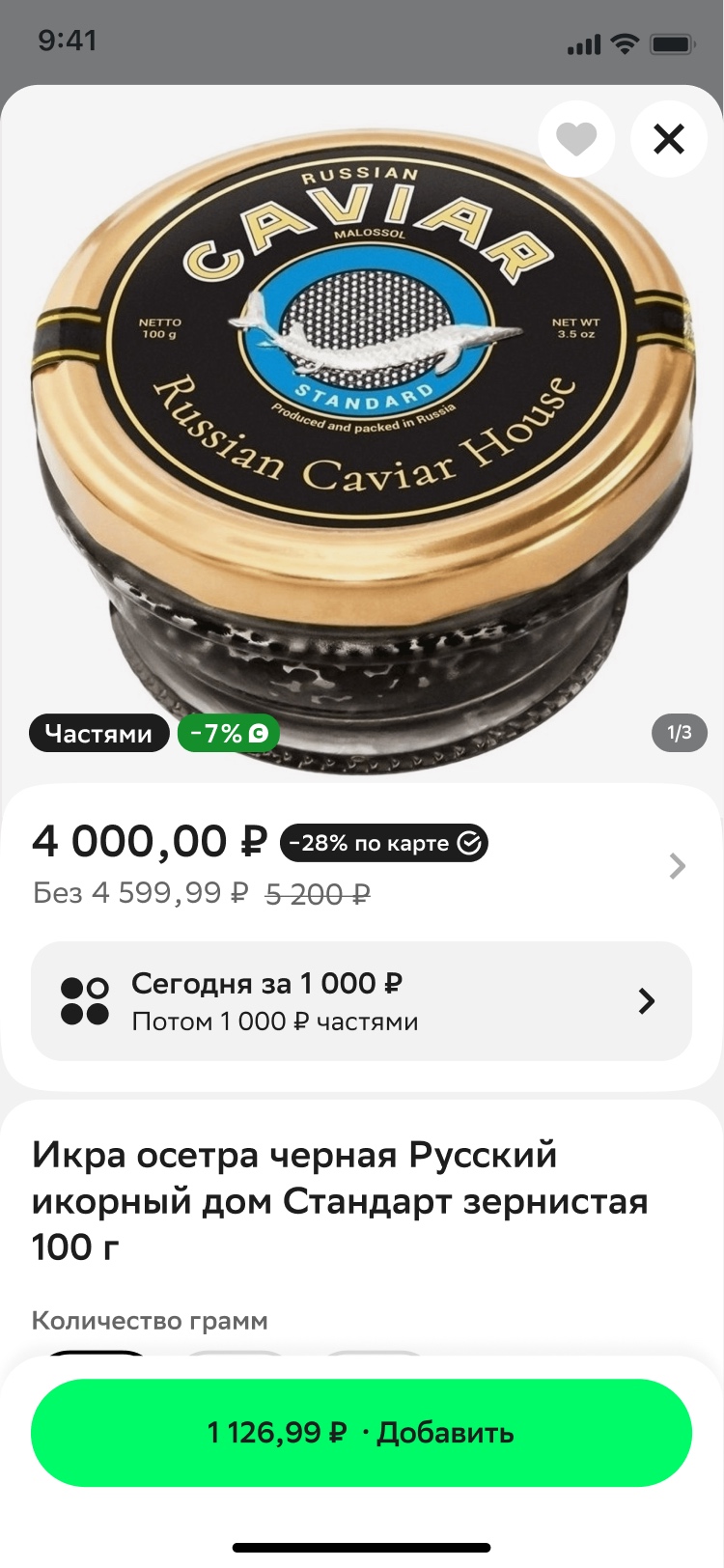
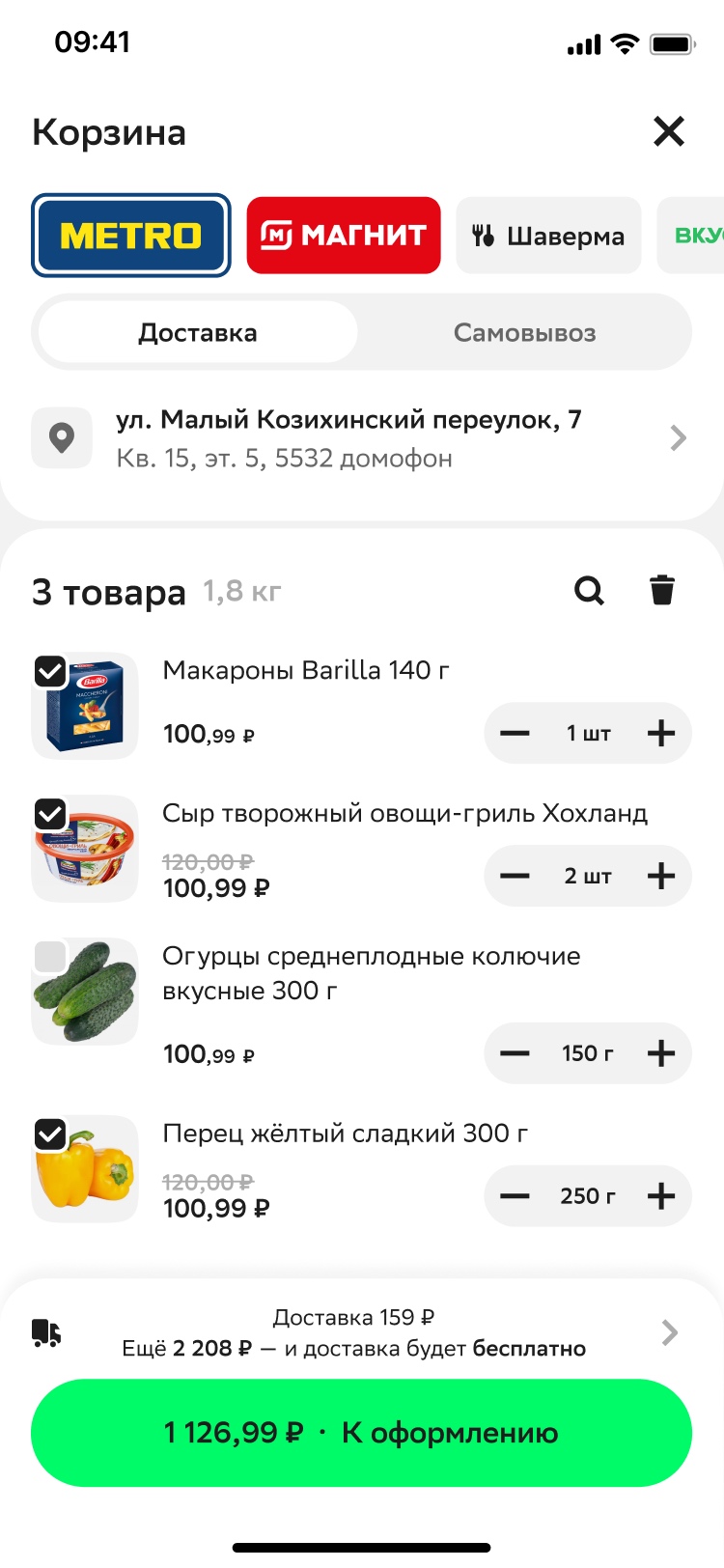
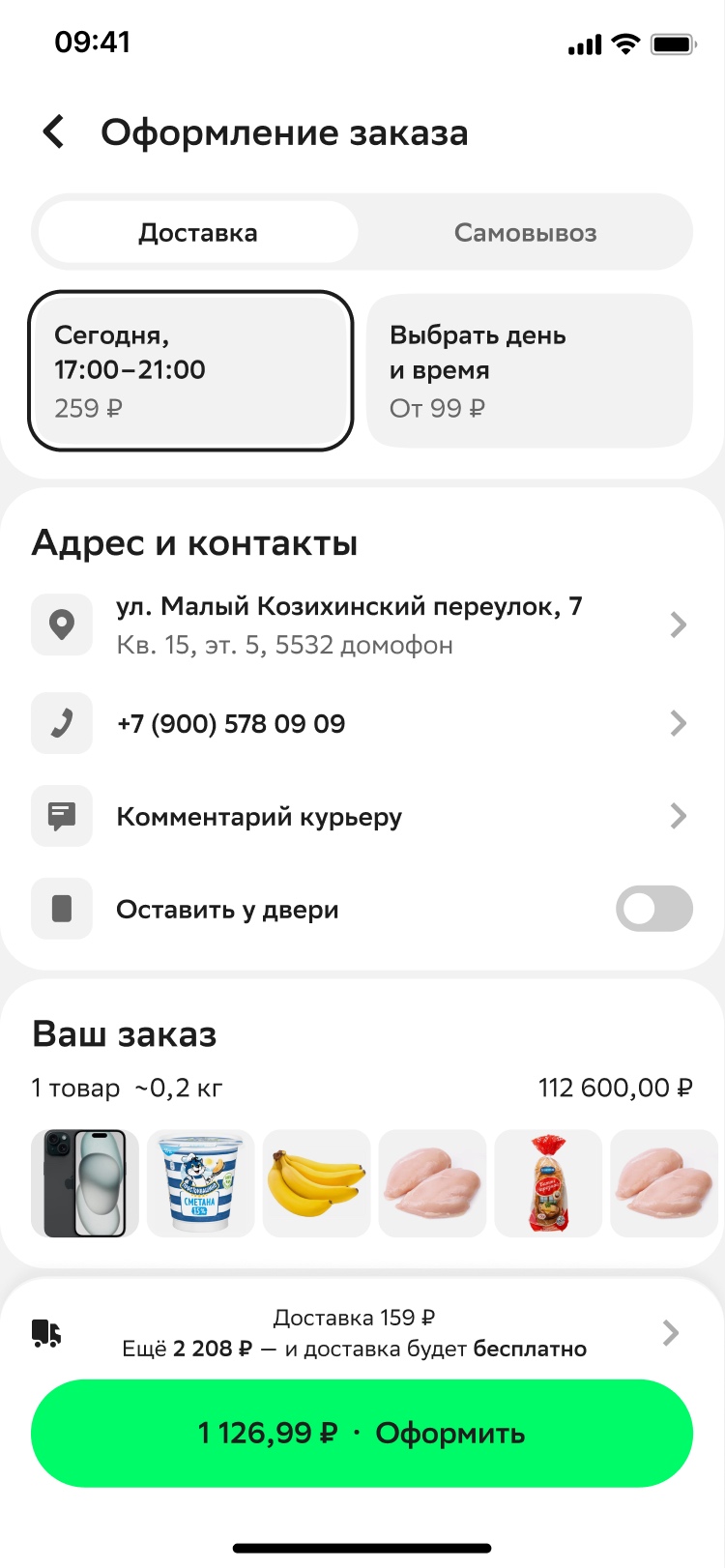
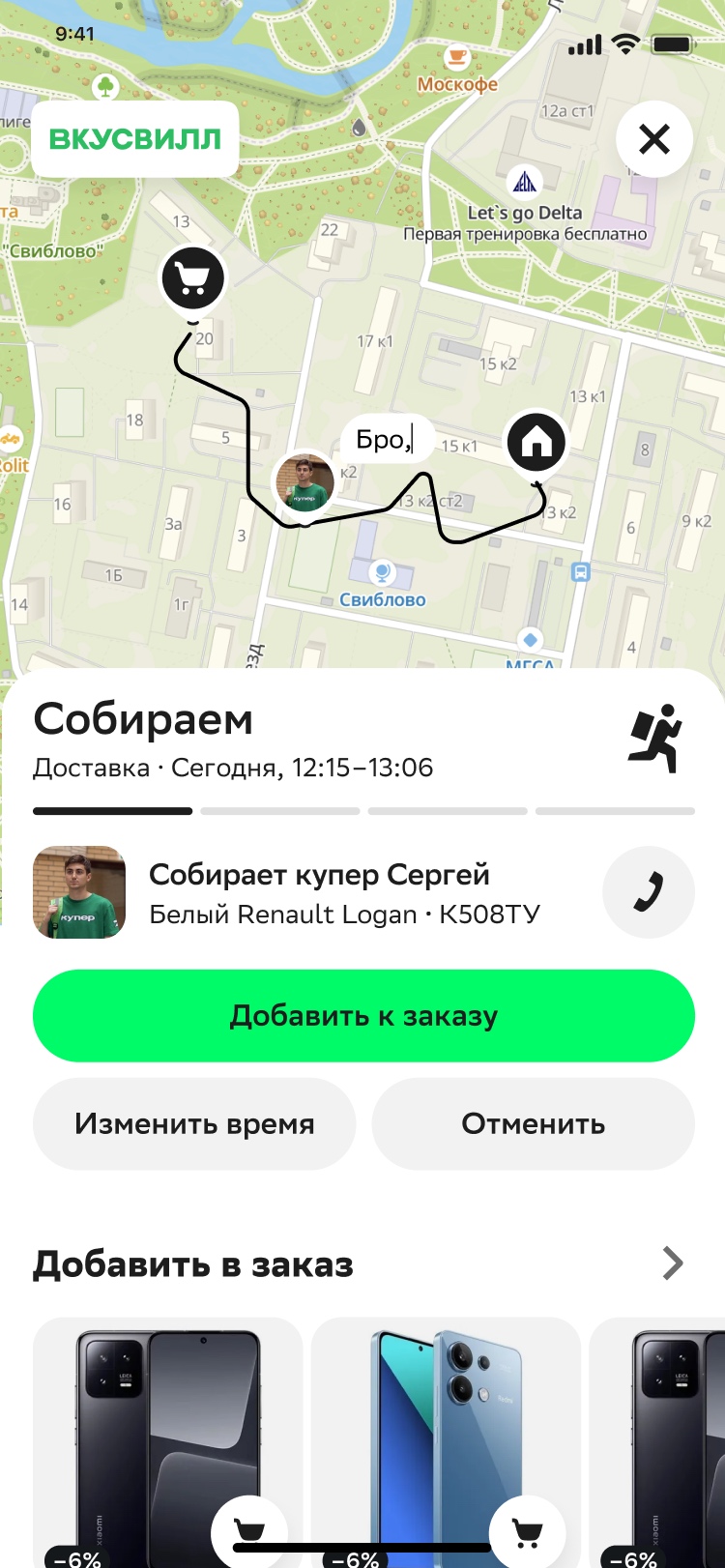
What came out was a fresh, facelifted product that kept the best of what was in prod without dragging along the bugs and inconsistency.
I presented the concept to the product team and the CPO. Everyone liked it, but it didn’t get greenlit right away — the early signs of layoffs were already showing, and the future felt uncertain.
Moving from iOS to PWA
Kuper got pulled from the App Store. Overnight, web went from a secondary channel to a strategic priority. We decided to build a new mobile web running on the app’s logic, ship it as a PWA, and move iOS users there. The PWA also became the base for mini-apps in VK and Telegram, and opened as a web view inside partner surfaces like Sber and 2GIS.

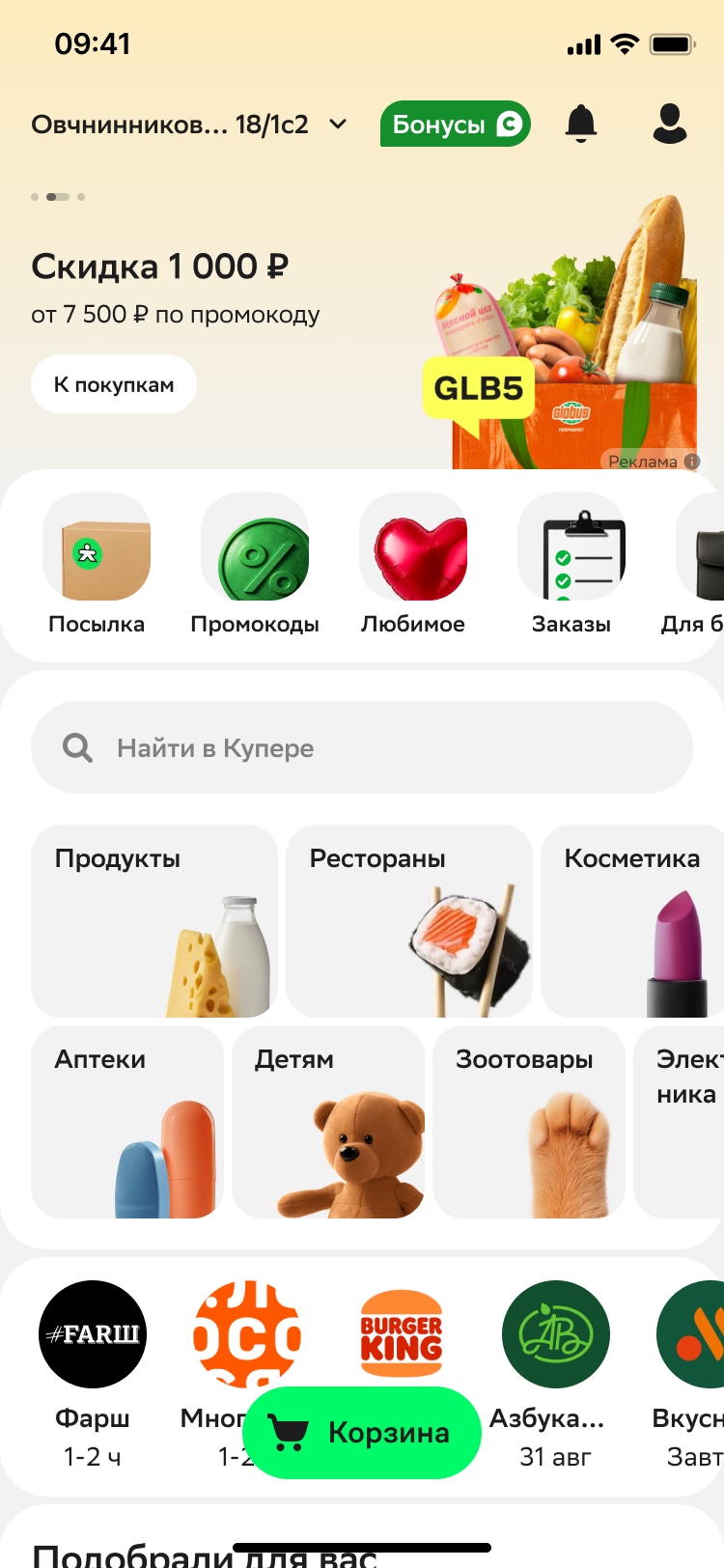
We didn’t have to invent anything — we already had the concept. All that was left was scoping what went into the MVP, working through the contested calls, checking for anything that ran into web’s limitations, and drawing out every state and edge case. The whole CJM went into development in about 2–3 weeks.
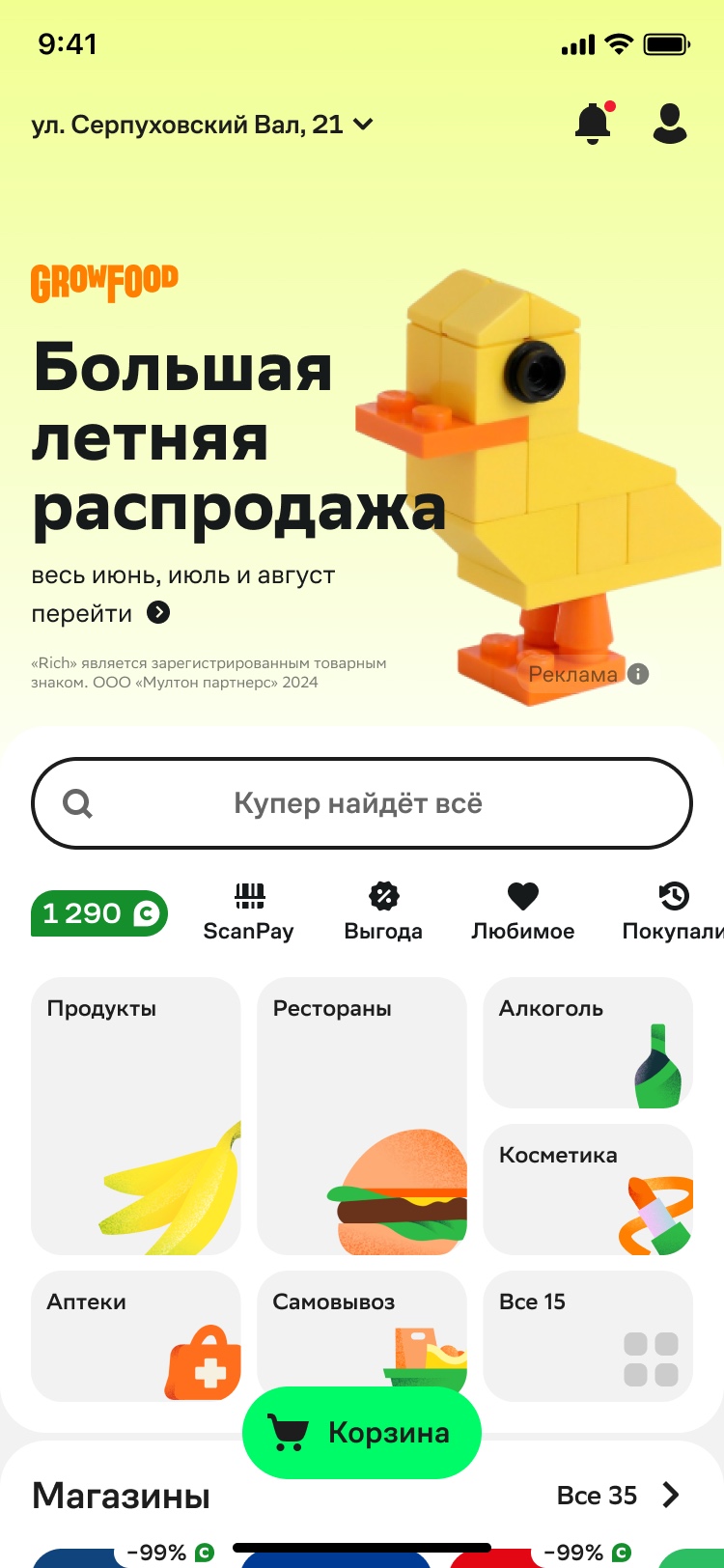
 Before
After
Before
After
One interface, every surface
Once PWA work started, I saw the chance to actually build the cross-platform interface I’d been sitting on for a while.
The upside was obvious: one interface and one experience everywhere, no matter the device or screen size. You design a feature once, account for every resolution up front, and that cuts the amount of work, the number of bugs, QA time, and generally keeps entropy from piling up.
We designed the PWA from day one knowing it had to scale up to tablet and desktop. Alongside the web work, we also kicked off a facelift for the app, bringing it in line with the same look.
Result
The old web had been losing orders for years, purely on quality. The new one closed that gap — and on conversion to a delivered order, the web edged out the app.
×2
Repeat order
Mobile web new vs. old
+4.1%
Conversion to delivered order
New mobile web vs. app
Neutral
Key metrics
Desktop web new vs. old
After that, web and app stopped being a set of disconnected products and came down to one base. The mobile web result gave me the case to go to the Director of Product and the storefront lead and ask for dedicated resource — we used it to build desktop and clean up the app in parallel, leaning on the numbers and on the fact that people simply liked using the new web more. Nobody argued about whether to do it. The open question was how to ship it alongside ongoing feature work. We found the compromise. The app is still being cleaned up on the same principles, release by release.
What I’d do differently
I shouldn’t have waited for an outside shock to start the shift to cross-platform. I should have pitched and sold the web redesign and app facelift myself, proactively.